Parameter Tunning Guide
This guide will walk through some rules of thumb when it comes to adjusting parameters to get better detection.
Not detection all objects
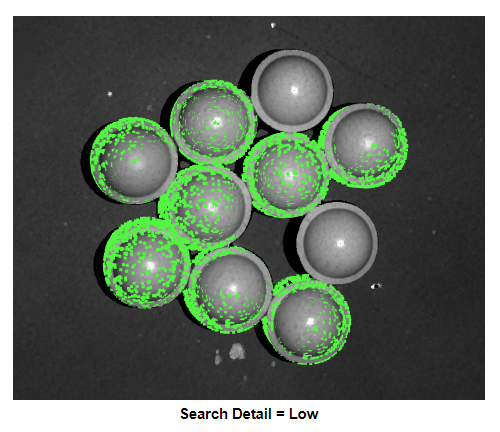
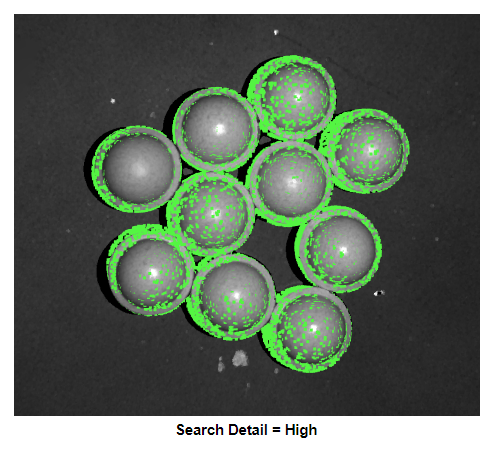
Increase the search detail. This will increase the number of computed scene features
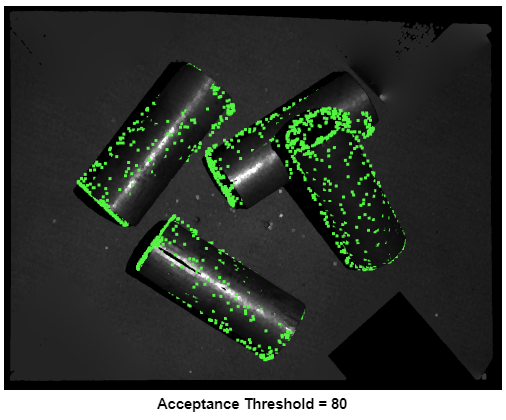
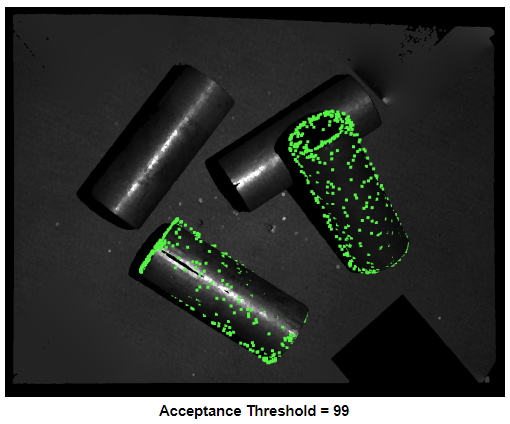
Decrease acceptance threshold. This lowers the acceptance threshold of the score filter, keeping poses with lower scores
False positive
Reduce downsample strength. This makes the downsample voxel size smaller, preserving more detail in the scene. Reducing downsample strength can also improve poses that are badly oriented.
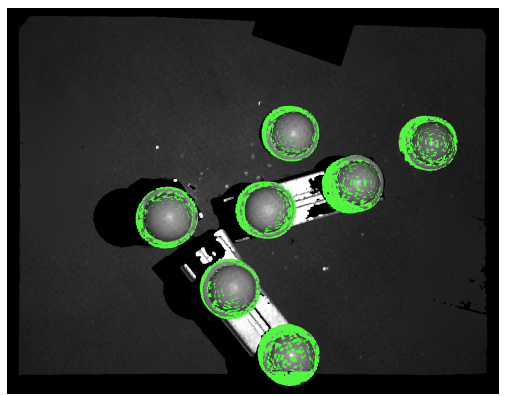
downsample strength low
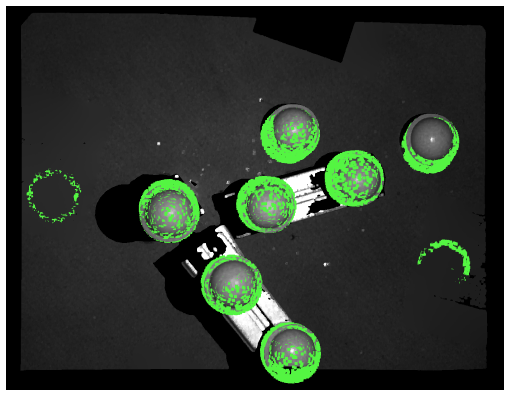
downsample strength medium
Model parameters
Adjust model feature detail. Increasing model feature detail will increase the amount of model features calculated, making it more likely to accurately find the object in the scene
Adjust model downsample strength. Reducing downsample strength can remove false positives
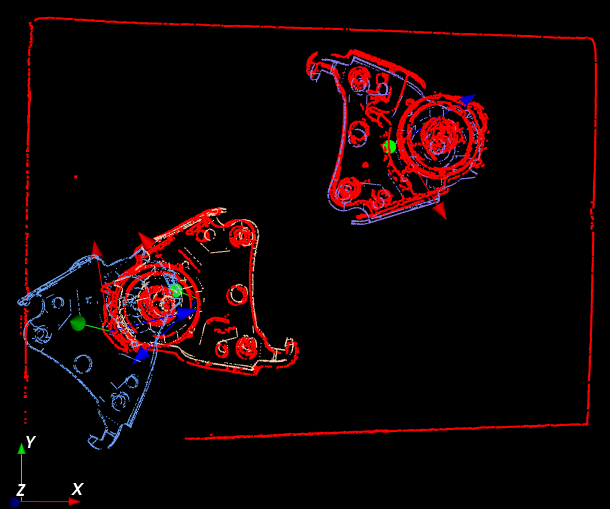
feature detail low
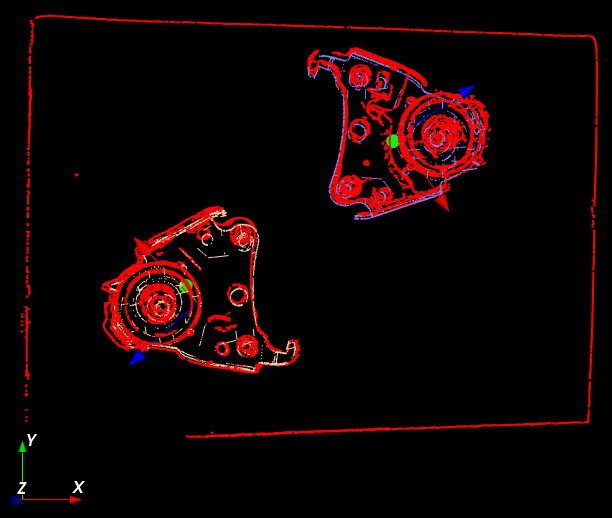
feature detail high
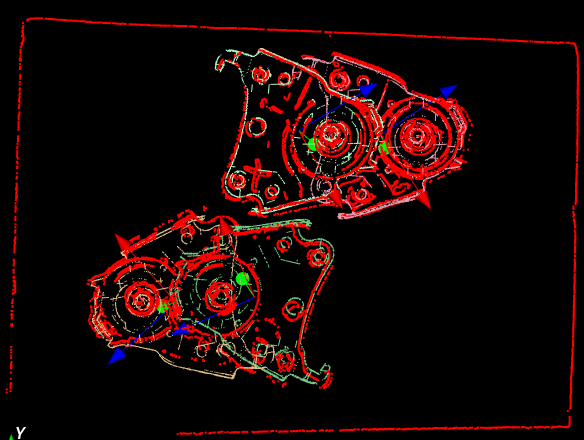
downsample strength low
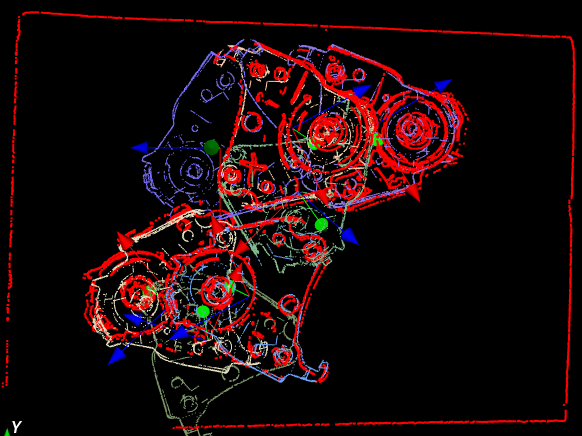
downsample strength medium